Wednesday, 28 June 2017

EduBlocks blog 5: Exabytes 17 workshops v1

Here I will be adding the info for the two workshops:

 The potential of Edublocks to introduce Python to secondary students

Python 3 code:

from sense_emu import SenseHat
import mcpi.minecraft as minecraft
import mcpi.block as block
import time
import random


"""
NCS team Pixel Astro Pi competition entry

We have created a bar graph in minecraft and store the values for temp and
humidity in two seperate lists.


Team members are:
Archie
Tom
Adrian
"""

sense = SenseHat()

mc = minecraft.Minecraft.create()
orx,ory,orz = mc.player.getPos()

mc.postToChat("Start Graph")

TempBlock = 35,14

HumidityBlock = 35,3
Temperature_List = []#stores temp data
Humidity_List = []#stores humidity data

DataStreamCount= 0

def BuildDataBlockTemp(ImportedBlock):# take data for temp
    temp = int(sense.temp)
    Temperature_List.append(temp)
    orx,ory,orz = mc.player.getPos()

    for i in range (0,temp):
        x,y,z = mc.player.getPos()
        mc.setBlock(x+30,i,z,ImportedBlock)
    mc.player.setPos(orx,ory,orz+1)
    msg = "Temp = {0}".format(temp)
    #sense.show_message(msg, scroll_speed=0.10 )
    print(msg)
    time.sleep(1)
def BuildDataBlockHumidity(ImportedBlock):# take data for humidity
    humidity = int(sense.humidity)
    Humidity_List.append(humidity)
    orx,ory,orz = mc.player.getPos()
    for i in range (0,humidity):
        x,y,z = mc.player.getPos()
        mc.setBlock(x+30,i,z,ImportedBlock)
    mc.player.setPos(orx,ory,orz+1)
    msg = "Humidity currently is: ",humidity
    print(msg)
    msg = "humidity = {0}".format(humidity)

    time.sleep(4)

 
while True:
    BuildDataBlockTemp(TempBlock) # 46
    BuildDataBlockHumidity(HumidityBlock)


EduBlocks code:


Picture of code working 


Around the world with Minecraft 

The code to carry out this workshop is taken from a recent blog post for Kano and recent Raspberry Jam at Coventry Library in May. You can access the code from here:

https://github.com/ncscomputing/Hackpack/blob/jams/May%20Jam%20resources.zip

I'll be polishing this off over the coming week.

Over :)


If you like this blog check out all the others here

Tuesday, 13 June 2017

EduBlocks blog 4: The Liverpool Makefest Minecraft Pixel Art twitter bot


Over the last few weeks I have been developing the EduBlocks Minecraft Pixel art Twitter bot that you can use if you are attending Liverpool Makefest on 24/06/17. 

I will be updating this blog over the coming weeks with a full write up of how to create your own version.  I have used the following Raspberry Pi tutorials as part of this build:

Here is what I want it to do........

1. Provide a quickish way(5mins approx) of people being able to create some Minecraft Pixelart without being able to forced to sit and code for 20 mins. 

2. Furthermore share their creation with the world via Twitter. Ideally use a Microbit to trigger the tweet. (This is still hit and miss)

Current review: It does one and two is still in the mixer. 

Here is version one which worked perfectly:

Here is version 2, which doesn't work so reliably when it comes to the Microbit part. 
Version 3: the lid is back on and microbit now working :)


With an internet connection, currently over wi-fi the twitter part works :) 

here are three examples of some of my trials:


I'll keep you posted with more when it gets updated.

Over :)

Code:
for micro:bit taken from RPi tutorial :
while True:
    if pin0.is_touched():
        display.scroll("say cheese!")
        sleep(500)
        pin1.write_digital(1)
        sleep(5000)
        pin1.write_digital(0)
Code for Twitter bot:

from gpiozero import Button
from time import sleep
from signal import pause

from datetime import datetime

import subprocess
#from mcpi.minecraft import Minecraft
from mcpi import minecraft as minecraft
from time import sleep, time
import sys

from twython import Twython
#once you have created your own Twitter app put in your info below


consumer_key = ''
consumer_secret = ''
access_token = ''
access_token_secret = ''
        
mc = minecraft.Minecraft.create()

api = Twython(consumer_key,consumer_secret,access_token,access_token_secret)
def Tweet(handle):
    
    timestamp = datetime.now().isoformat()
    msg = "#LivMF17 Pixelart bot! look what "+handle+" created at "+timestamp 
    mc.postToChat(msg)
    a=subprocess.check_output('./raspi2png -d 3 -p "myscreenshot.png"',shell=True)
    photo = open('myscreenshot.png', 'rb')
    api.update_status_with_media(status=msg, media=photo)
    
button = Button(4,pull_up = False)
while True:
    button.wait_for_press()
    handle = input("please type in your twitter handle")
    Tweet(handle)
    sleep(4)
  

here is the link for the Block ids sheet I've borrowed them from and Raspberry Pi spy this is sourced in the document:

https://github.com/ncscomputing/Hackpack/blob/master/Minecraft%20Pixel%20Art%20sheet.pdf

If you like this blog check out all the others here

Wednesday, 24 May 2017

Leamington Raspberry Jam 2.0

This Saturday Leamington Library is hosting Raspberry Jam No 2.

The resources that we will be using for the Sonic Pi with Minecraft session can be accessed here :
https://github.com/ncscomputing/Hackpack/blob/jams/May%20Jam%20resources.zip

Hour two will be a free hack with Minecraft. Participants can use the "Adventures with Minecraft" book or work from any of the other Minecraft coding worksheets provided on the Pi desktop.

Credit to a young lad called Luke who came from Surrey to take part :) Many thanks for driving the 2 hour journey :)

We had about 16 people turn up including parents and children.

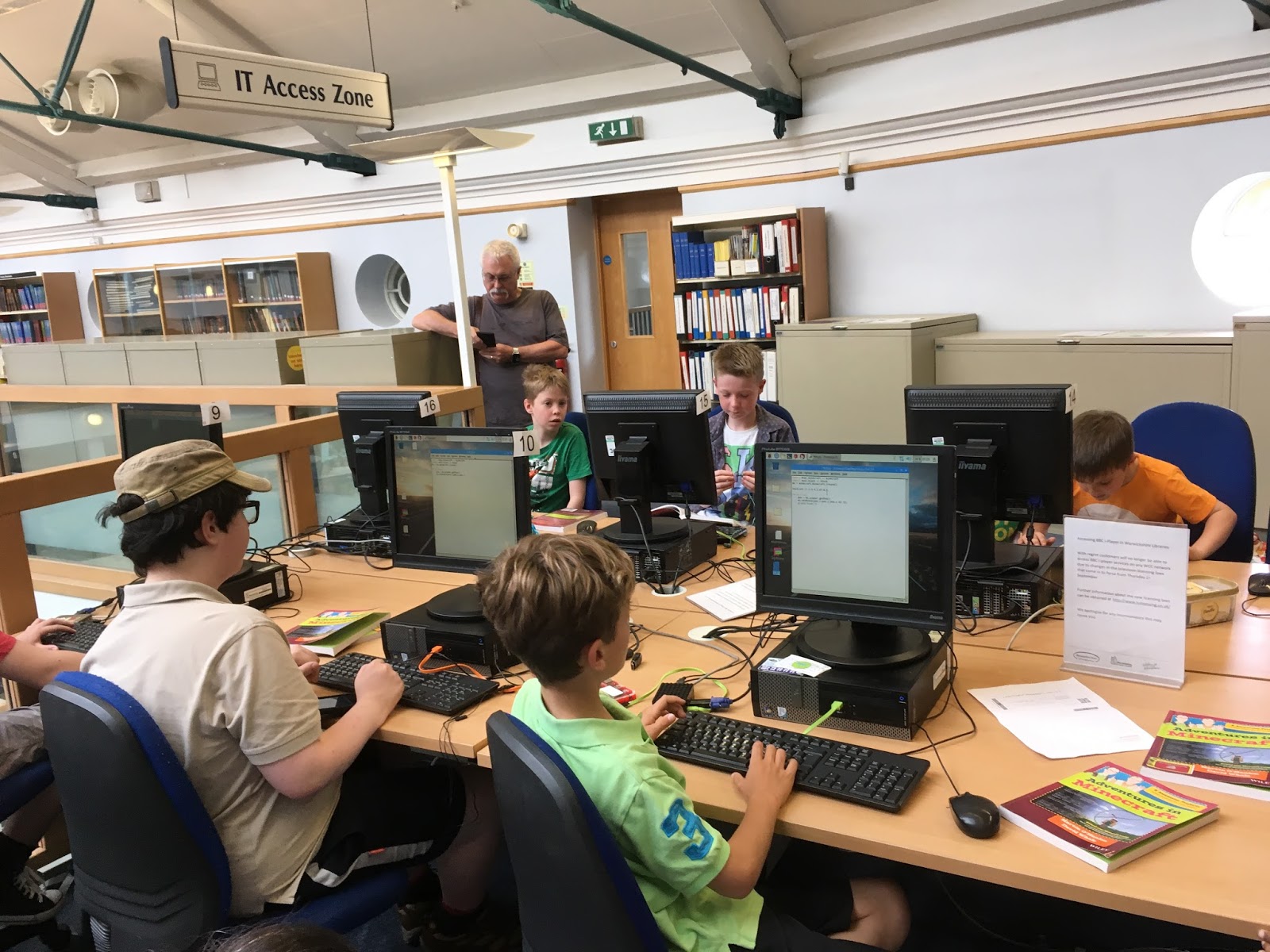
Here are the photos:


Over.

If you like this blog check out all the others here

Monday, 22 May 2017

Minecraft 8*8 Pixel art wall (wool edition)


In a previous blog I shared this 8 * 8 pixel art block for EduBlocks : http://warksjammy.blogspot.co.uk/2017/05/edublocks-minecraft-update-pixelart.html

I have now tweaked it to wool pixel art. I'm sure when Josh gets a chance he will update EduBlocks to include it. In the mean time you can code it straight python 3.

Here is the code:

__author__ = '@ncscomputing / @warksraspijam'
from mcpi import minecraft as minecraft
from mcpi import block as block
import time
import random
import subprocess

BlockID = 35


def PixelArt(N1,N2,N3,N4,N5,N6,N7,N8,
             N9,N10,N11,N12,N13,N14,N15,N16,
             N17,N18,N19,N20,N21,N22,N23,N24,
             N25,N26,N27,N28,N29,N30,N31,N32,
             N33,N34,N35,N36,N37,N38,N39,N40,
             N41,N42,N43,N44,N45,N46,N47,N48,
             N49,N50,N51,N52,N53,N54,N55,N56,
             N57,N58,N59,N60,N61,N62,N63,N64):
    
    row0 = [N1,N2,N3,N4,N5,N6,N7,N8]#1-8
    row1 = [N9,N10,N11,N12,N13,N14,N15,N16]
    row2 = [N17,N18,N19,N20,N21,N22,N23,N24]
    row3 = [N25,N26,N27,N28,N29,N30,N31,N32]
    row4 = [N33,N34,N35,N36,N37,N38,N39,N40]
    row5 = [N41,N42,N43,N44,N45,N46,N47,N48]
    row6 = [N49,N50,N51,N52,N53,N54,N55,N56]
    row7 = [N57,N58,N59,N60,N61,N62,N63,N64]
    
    List = [row7,row6,row5,row4,row3,row2,row1,row0]
    return List

def PrintWall(ImportedList):

    pos = mc.player.getTilePos()
    mc.player.setPos(pos.x,pos.y,pos.z)

    myList = ImportedList
    

    for row in range (0,8):
        for column in range (0,8):
            
            mc.setBlock(pos.x+column,pos.y+row,pos.z-20,BlockID,myList[row][column])    
            
mc = minecraft.Minecraft.create()


PrintWall(PixelArt(1,1,1,1,1,1,1,1,
                   1,1,1,1,1,1,1,1,
                   1,1,1,1,1,1,1,1,
                   1,1,1,1,1,1,1,1,
                   1,1,1,1,1,1,1,1,
                   1,1,1,1,1,1,1,1,
                   1,1,1,1,1,1,1,1,
                   1,1,1,1,1,1,1,1,
                   ))
Enjoy :)

If you like this blog check out all the others here

Wednesday, 17 May 2017

Hackpack Anthology: Volume II update 0.2


Over the previous two years Volume I evolved into this :

Well Anthology Volume 2 is underway and here is the first update of Volume 2. The first two hacks are:

"Around the World with python" and "Tweeting Gui Zero Minecraft Selfie Machine".

You can download it from here:

https://github.com/ncscomputing/Hackpack/raw/master/Hackpack%20Anthology%20V2%200.1.pdf

Updated 03/07/17

The original version of volume 2 corrupted so here is the 0.2 version of Anthology version 2.

Now added are Liverpool MakeFest Minecraft twitter bot and sensehat data graphs in Minecraft with EduBlocks.

To be added will be "Micro:bit IO" hacks.

https://github.com/ncscomputing/HpAnthologyV2/raw/master/Hackpack%20Anthology%20V2%200.2.pdf 

If you like this blog check out all the others here

Saturday, 13 May 2017

Minecraft Raspberry Jam: Around the world with block rocking beats

Today Coventry Central Library held its first "Digital Expo". You can read more about here http://www.coventry.gov.uk/download/downloads/id/23557/digital_expo_2017_leaflet.pdf

We had a go using Edu Blocks to create drag and drop Minecraft Pixel art. Then dipped our feet in using Damien Mooney's world script to tour the world and add a few stops of our own. Notably Spain and Australia for one participant.

After landing from touring the world we used Ben Davies's Sonic Pi with Minecraft hacks to take "Steve's first steps".

All in all the 10/11 people who took part seemed to get into it. You can download all the resources used today from here:

https://github.com/ncscomputing/Hackpack/blob/jams/May%20Jam%20resources.zip

Check out some the creations from today:


If you like this blog check out all the others here

Wednesday, 3 May 2017

EduBlocks blog 3 the Minecraft update: Pixelart block

To install the latest version of Edublocks for Raspberry Pi type the following in terminal:

curl -sSL | bash

I have contributed a pixelart block to easily allow you to create a custom 8 * 8 pixelart wall. This will not currently work with wool.

Here is an example script in action:


Here is what the script looks like:

Have a go : ) many thanks for Josh's hard work to get this in. 

If your interested in the original Python code the link is here:


If you like this blog check out all the others here